Lenoaiart Logo
AI Video ExtenderNo Content Restrictions
0/4000
Sample

Unrestricted AI Video Length Extender Online Free

Two seconds short of the beat, or a landscape frame that cannot survive a vertical crop. Lenoaiart reads the closing motion of your footage and keeps it going, or rebuilds the space beyond the original edges so nothing has to be cut away. Free to start, and open enough to work as an unrestricted AI video extender across the clips you actually shoot.

poster

What is Lenoaiart's AI Video Extender?

How Does Lenoaiart's AI Video Extender Work?

  1. Step 1: Upload the Clip You Need to Grow

    Bring in the footage that runs short or frames too tight, whether it came from a camera, a phone, or an earlier generation. Your clip is the source of truth, so nothing about the original section is rewritten.

  2. Step 2: Choose Time, Frame or Both

    Set how many seconds to add and let the model continue the motion, or pick a target aspect ratio and let it paint the space beyond the edges. This is where an unfiltered AI video extender earns its keep, because you decide the direction of growth rather than accepting one preset.

  3. Step 3: Generate, Preview and Download

    Render the extension, scrub across the splice point to check that the join holds, and download the take that reads as one continuous shot. It is free to start, so you can retry with a shorter addition whenever the first pass wanders further than you wanted.

What You Can Do with Lenoaiart's AI Video Extender?

poster

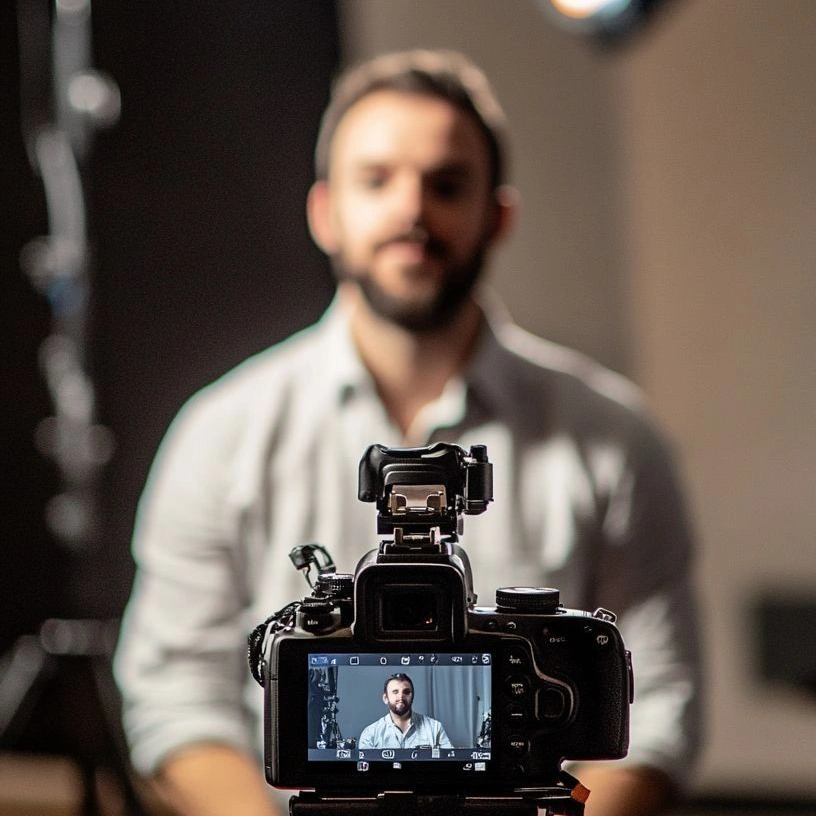
Hold a Shot Until the Beat Actually Lands

Every editor knows the clip that dies half a second before the cut it was made for. Instead of freezing the last frame or slowing the whole take into mush, use the AI video duration extender to generate real continuing frames from the closing motion. Splice-point blending matches grain and exposure across the join, so the addition reads as footage rather than as a patch. The music lands, and nobody watching can point to where the camera stopped.

poster

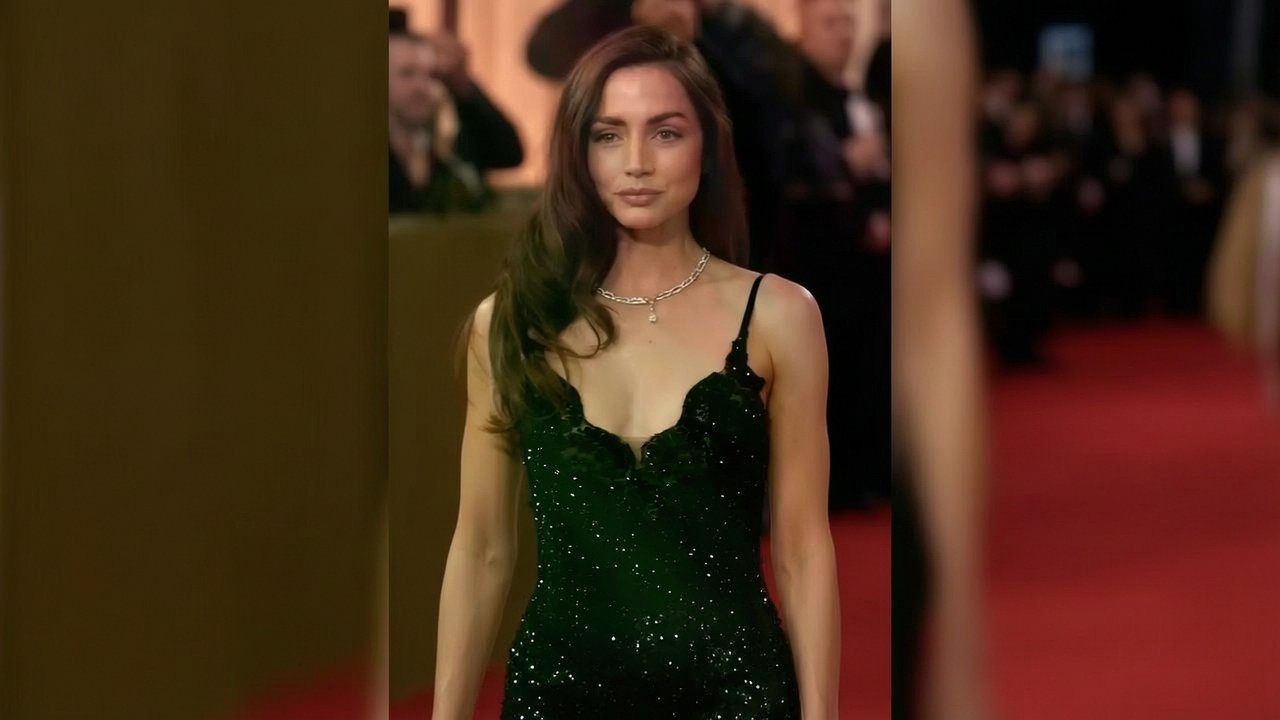
Shoot Once, Deliver Every Aspect Ratio

A widescreen master turned vertical usually means somebody's head leaves the frame. Point the AI video background extender at the missing space instead and let canvas synthesis build the ceiling, the road, or the wall the lens never saw. Perspective inference keeps horizon lines and architecture straight through the new area, which is why a no filter video extender AI beats a punch-in crop. One shoot now covers feed, story, and banner without a reshoot.

poster

Push a Generated Clip Past the Model's Ceiling

Most generative models stop at a handful of seconds, which is rarely long enough for a real scene. Feed that output back in and extend AI video by continuing the same camera move rather than starting a fresh generation that invents a different room. Last-frame velocity keeps the subject travelling on its established path, so a chained sequence stays one shot instead of becoming two similar ones. This is how a five-second render becomes a usable beat.

poster

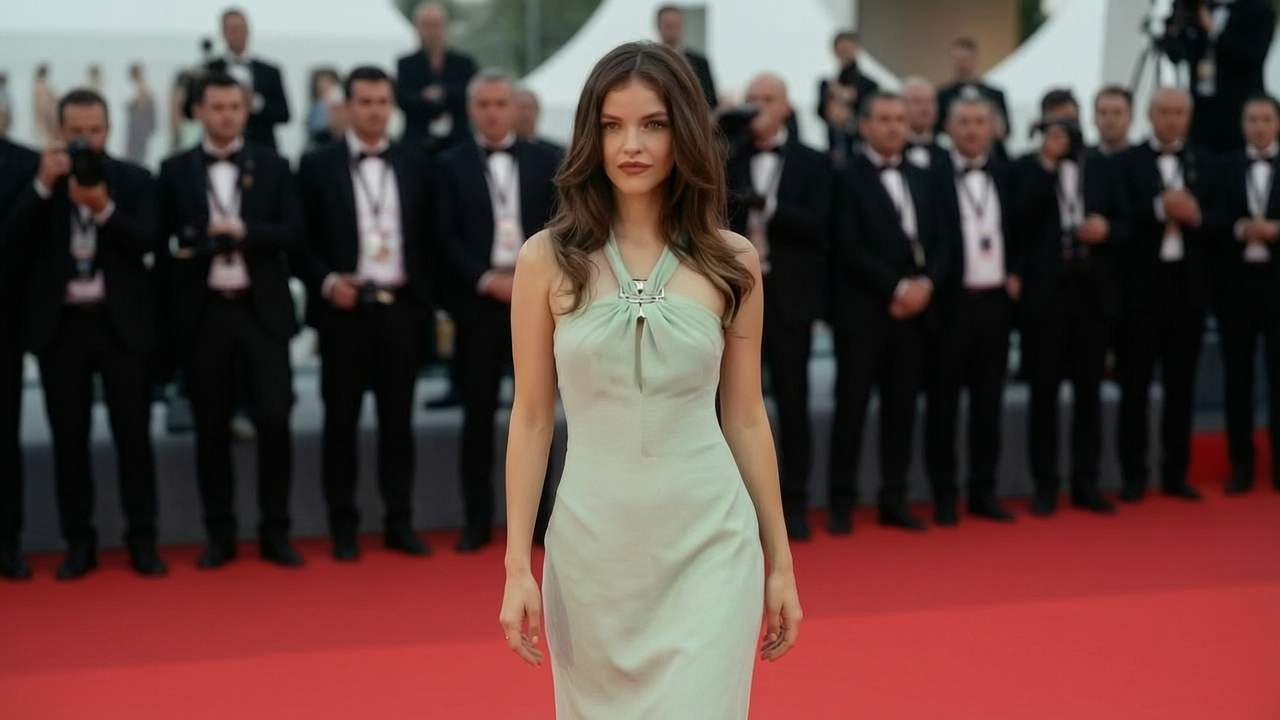
Pull Back and Reveal What Was Never There

The zoom-out reveal became a format of its own because the joke lives entirely in the space outside the original frame. Keep pulling the borders and the AI video frame extender invents the room, the crowd, or the absurd scale that makes the punchline work. Old archive clips benefit from the same treatment when their tiny 4:3 frame no longer fills a screen. With no restrictions AI video extender settings, you decide how far the world keeps going.

Who is Lenoaiart's AI Video Extender for?

Editors and Motion Designers

Editors and Motion Designers

You know exactly which shot is two seconds short, and a reshoot is not on the table. Extending video length with AI gives the timeline the handles it needed at ingest.

Social Teams Delivering Every Format

Social Teams Delivering Every Format

One master has to survive vertical, square, and widescreen without decapitating the subject. An AI vertical video extender rebuilds the missing headroom instead of forcing another crop.

Generative Creators and Meme Makers

Generative Creators and Meme Makers

Model outputs cap out just as a scene gets interesting, and reveal gags need room that was never filmed. Extending any video with AI is how both problems get solved in the browser.

Why Choose Lenoaiart's AI Video Extender?

01

Continuation, Not a Slowed or Frozen Frame

The cheap way to make a clip longer is to slow it down or hold the last frame, and both are visible within a second. Motion continuation reads the trajectory of the closing frames and generates new movement along the same path, while noise profile matching keeps grain consistent so the join does not announce itself. What you get back is footage, not a stall.

02

Both Kinds of Growth in One Pass

Adding seconds and adding canvas are different problems that most tools treat as different products. Here you can lengthen a shot and widen its frame in a single run, and an unfiltered video extender AI lets you decide how aggressive each direction should be. The clip leaves ready for the timeline and the format at the same time.

03

Browser Workflow, Private Files, Free Trial

There is nothing to install and no plugin to license, so a rough cut can be rescued from any machine. Uploads and renders stay in your workspace rather than a public feed, which matters when the source is client footage under embargo. Free video extender AI access is there to let you judge the seam quality before you commit to a plan.

Real User Reviews for Lenoaiart's AI Video Extender

From 1,687 Reviews

4.9/5

Saved a cut I thought was dead

The hero shot ran out eighteen frames before the downbeat and there was no going back to the location. Extending the duration gave me real movement to cut on instead of a freeze. The client never noticed, which is the highest praise this kind of tool can get.

Dominic AshfordCommercial Editor

Vertical without losing anyone's head

We shoot widescreen and deliver vertical, which used to mean cropping into every frame. Rebuilding the headroom above the subject solved it in one pass. Our whole social cutdown workflow changed because of this feature.

Priyanka RaoSocial Content Producer

Chained my generations into a scene

My generative clips always capped out right as the camera got somewhere interesting. Continuing from the last frame kept the same room and the same drift, so three renders became one shot. It is the only reason my short film got finished.

Marcus OyelaranGenerative Filmmaker

The reveal gag finally worked

Zoom-out edits live or die on how convincing the invented space is. This uncensored AI video extender kept pulling back without the walls bending into nonsense, so the punchline had room to arrive. Posted it the same night.

Hana BrennerShort-Form Creator

Grain matched across the seam

My worry was always that the added section would look cleaner than the original and give the whole thing away. The noise held, and at normal playback speed I cannot find the join. That detail is what makes it usable on paid work.

Tomas RicciPost-Production Supervisor

Old family footage fills the screen

Our archive was all narrow 4:3 with black bars either side. Extending the frame outward gave the room walls that were never filmed, and it looks natural on a modern television. My father watched two hours of it.

Greta SolheimFamily Archivist

FAQs for Lenoaiart's AI Video Extender

Extending length adds new seconds after your final frame, so the action continues in time. Extending the frame adds new picture outside your original borders, so the same moment covers more space. They solve unrelated problems, and this page supports both from the same upload.